



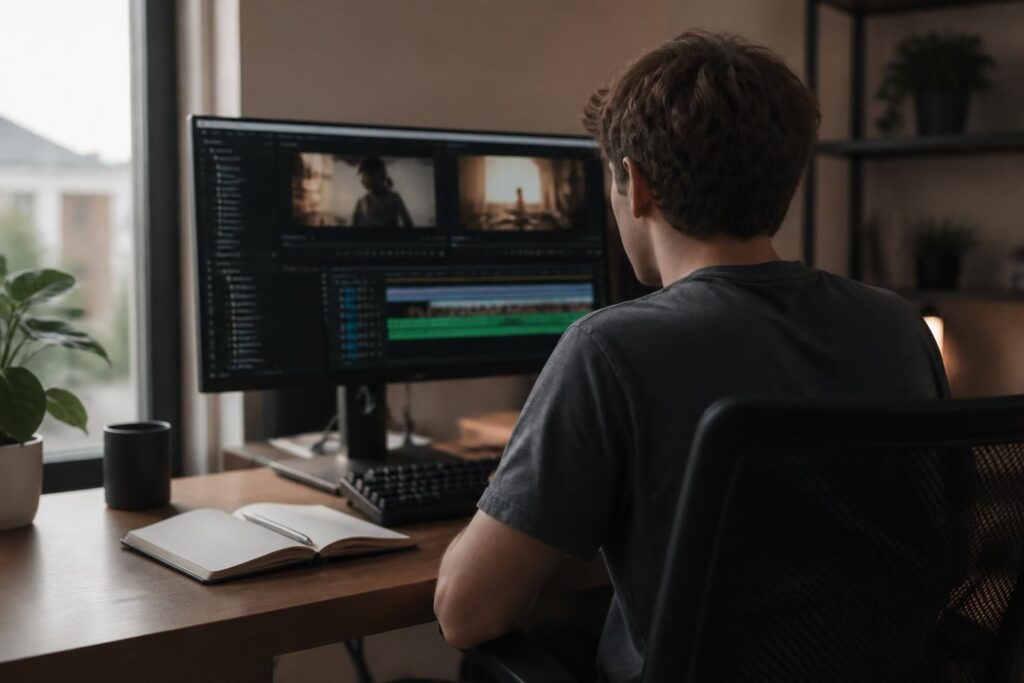
Why you don’t need to pay for video editing software
A few years ago, producing clean, polished video content almost inevitably meant investing in an expensive subscription like Adobe Creative Suite. Today, the landscape has shifted dramatically. A growing number of free tools offer surprisingly capable timelines, color grading panels, and export options that rival their paid counterparts — at least for everyday use cases.
Whether you’re creating content for social media, editing family videos, or launching a YouTube channel, you can absolutely get started without spending a single dollar. The key is knowing which tools are genuinely useful and which ones waste your time with crippling limitations or intrusive watermarks.
“The best editing software is the one you’ll actually use consistently — not the most expensive one sitting unopened on your hard drive.”
DaVinci Resolve: the professional choice that happens to be free
DaVinci Resolve by Blackmagic Design is, without question, the most powerful free video editor available in 2024. Originally built for Hollywood colorists, it has evolved into a full non-linear editing suite that includes a dedicated color grading workspace, audio mixing tools (Fairlight), and even basic visual effects through its Fusion tab.
The free version handles resolutions up to 4K, supports a wide range of codecs, and imposes no watermarks on your exported footage. The learning curve is steeper than simpler tools, but there is an enormous library of tutorials available online. For anyone serious about developing real editing skills, DaVinci Resolve is arguably the best starting point — free or paid.
- Full color grading suite with professional-grade tools
- Multi-track timeline with no clip limit
- Built-in audio editing with Fairlight
- Available on Windows, macOS, and Linux
- No watermark on exported videos
CapCut: the beginner-friendly option for social media creators
If DaVinci Resolve feels overwhelming, CapCut is an excellent entry point. Originally developed by ByteDance for mobile devices, it now has a fully functional desktop version that makes editing intuitive even for complete beginners. Its drag-and-drop interface, built-in music library, auto-caption feature, and one-click background removal make it particularly well-suited for short-form content destined for TikTok, Instagram Reels, or YouTube Shorts.
CapCut does include some AI-powered features that require an internet connection, and its export options are slightly more limited than DaVinci Resolve. However, for casual creators who want results quickly without a steep learning curve, it remains one of the most accessible free tools on the market.
Kdenlive and OpenShot: open-source alternatives worth knowing
For users who prefer open-source software with no commercial strings attached, both Kdenlive and OpenShot are solid choices. Kdenlive, maintained by the KDE community, offers a multi-track timeline, a solid set of transitions and effects, and good codec support. It runs on Windows, macOS, and Linux, making it a versatile pick for users across different operating systems.
OpenShot is even simpler in its interface design, making it a reasonable first editor for younger users or those who have never touched a timeline before. It lacks some of the advanced features found in Kdenlive, but its low barrier to entry is a genuine advantage. Neither tool will match DaVinci Resolve for raw capability, but both are reliable, actively maintained, and completely free without hidden paywalls.
- Kdenlive: best for intermediate beginners who want more control
- OpenShot: ideal for absolute first-timers or younger audiences
- Both are cross-platform and regularly updated
- No watermarks, no subscriptions, no export limits
What to look for when choosing your first video editor
Before downloading any software, it helps to clarify what you actually need. A few practical questions can guide your decision significantly. Do you plan to edit short clips for social media, or longer documentary-style projects? Will you need advanced color correction, or is basic trimming and cutting enough? Is your computer relatively modern, or are you working with limited hardware resources?
Here is a quick checklist of features worth evaluating in any free video editor:
- Export quality: Does the tool allow full HD or 4K export without a watermark?
- Timeline flexibility: Can you work with multiple video and audio tracks simultaneously?
- Performance: Does the software run smoothly on your current hardware?
- Community and tutorials: Is there an active user base to help you when you get stuck?
- Update frequency: Is the software still actively developed and maintained?
Making the transition from free to paid tools
Starting with free software is a smart strategy, but it is worth understanding when a paid upgrade might make sense. If you find yourself consistently hitting the limits of a free tool — needing advanced motion graphics, better noise reduction, or seamless integration with other professional applications — then investing in a paid solution becomes more justified.
Adobe Premiere Pro and Final Cut Pro remain industry standards for a reason. Their ecosystem integration, performance optimizations, and support structures are difficult to replicate. But for the vast majority of beginners in 2024, free video editing software offers more than enough capability to learn the craft, build a portfolio, and even produce professional-quality results. Start free, learn the fundamentals, and upgrade only when your workflow genuinely demands it.