


Why Password Manager Brands Are Prime Phishing Targets
Password managers have become a cornerstone of modern digital security. Millions of people rely on tools like LastPass and Bitwarden to store their most sensitive credentials. That trust, however, makes these brands incredibly attractive to cybercriminals. If an attacker can convince you that your password vault is at risk, panic can override good judgment — and that’s exactly what they’re counting on.
Phishing campaigns impersonating password manager services have grown significantly over the past two years. Attackers craft emails that look nearly identical to official communications, complete with matching logos, professional language, and urgent warnings about alleged account breaches or suspicious login attempts.
How These Scam Emails Typically Work
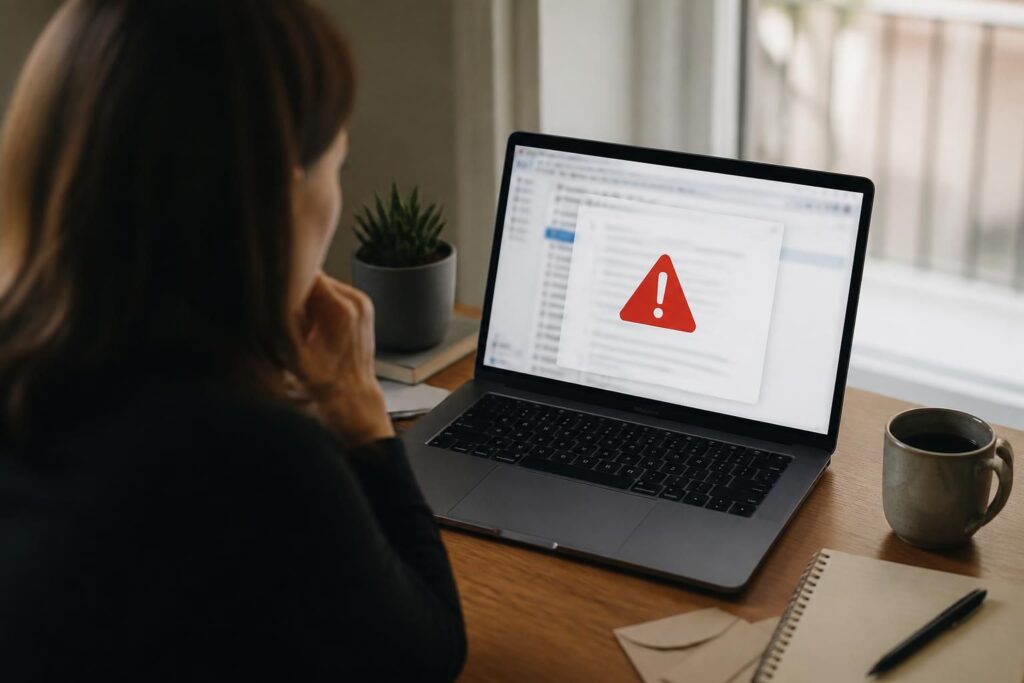
The mechanics of these attacks follow a familiar but effective pattern. You receive an email claiming there has been unauthorized access to your vault, or that your master password needs to be reset immediately due to a security incident. The message creates a sense of urgency designed to make you act without thinking.
Embedded in the email is a link that directs you to a convincing but fake login page. Once you enter your master password, the attackers capture it in real time. Some sophisticated versions even use adversary-in-the-middle (AiTM) proxies, which relay your credentials to the real site while simultaneously harvesting them — bypassing even some forms of two-factor authentication.
“Phishing attacks succeed not because users are careless, but because attackers have become exceptionally good at manufacturing urgency and replicating trust.” — Security researcher, SANS Institute
In some reported cases, scammers also send SMS messages or push notifications alongside the email to add a layer of perceived legitimacy. The multi-channel approach makes the threat feel more credible and harder to dismiss.
Red Flags to Watch For in Security Emails
Learning to identify the warning signs of a phishing email is one of the most practical skills you can develop. Here are the most common indicators that a security alert from a password manager may be fraudulent:
- Sender address mismatch: The display name may say “LastPass Security” but the actual email domain is something like lastpass-alerts.net or bitwarden-support.co — never the official domain.
- Generic greetings: Legitimate services typically address you by your registered name. “Dear User” or “Dear Customer” is a red flag.
- Pressure and urgency: Phrases like “Act within 24 hours or your account will be locked” are classic manipulation tactics.
- Suspicious links: Hover over any link before clicking. If the URL doesn’t match the official domain exactly, don’t click it.
- Grammar and formatting inconsistencies: Even minor errors in spacing, punctuation, or logo quality can betray a fake email.
- Requests for your master password: No legitimate password manager will ever ask you to provide your master password via email.
What Legitimate Password Manager Emails Actually Look Like
Both LastPass and Bitwarden have published guidelines on how they communicate with users. Understanding what real communications look like helps you filter out the fakes more confidently.
Official emails will always come from a verified domain — for example, @lastpass.com or @bitwarden.com. They will never ask you to enter your master password through a link in the email. They may notify you of a login from a new device, but they will direct you to open the app directly rather than clicking an embedded link.
Bitwarden, being open-source, is particularly transparent about its security practices. If you’re ever unsure whether an email is genuine, the safest approach is to close the email entirely and navigate directly to the service’s website by typing the URL into your browser manually.
Steps to Take If You Receive a Suspicious Email
If something feels off about a security alert you’ve received, here’s a practical course of action:
- Do not click any links or download any attachments in the email.
- Go directly to the password manager’s official website by typing the address in your browser.
- Log in and check whether there are any real alerts in your account dashboard.
- Report the suspicious email to the company using their official support or abuse reporting channel.
- Mark the email as phishing in your email client to help train spam filters.
- If you believe you already clicked a malicious link, change your master password immediately and enable or review your multi-factor authentication settings.
Strengthening Your Defenses Going Forward
Beyond recognizing individual scams, building stronger habits will reduce your overall exposure. First, always enable two-factor authentication on your password manager account using an authenticator app rather than SMS when possible, as SIM-swapping attacks can compromise SMS-based codes.
Consider using a hardware security key for your most critical accounts. These physical devices are highly resistant to phishing because they verify the domain of the site you’re logging into before authenticating.
It’s also worth subscribing to security news sources or your password manager’s official blog so you’re aware of real incidents when they occur. When a genuine breach happens — as with LastPass in 2022 — the company will communicate through multiple verified channels, not just a single alarming email.
Finally, remember that healthy skepticism is not paranoia. Taking an extra thirty seconds to verify the source of a security email is a small investment that can prevent a significant compromise of your digital life.