



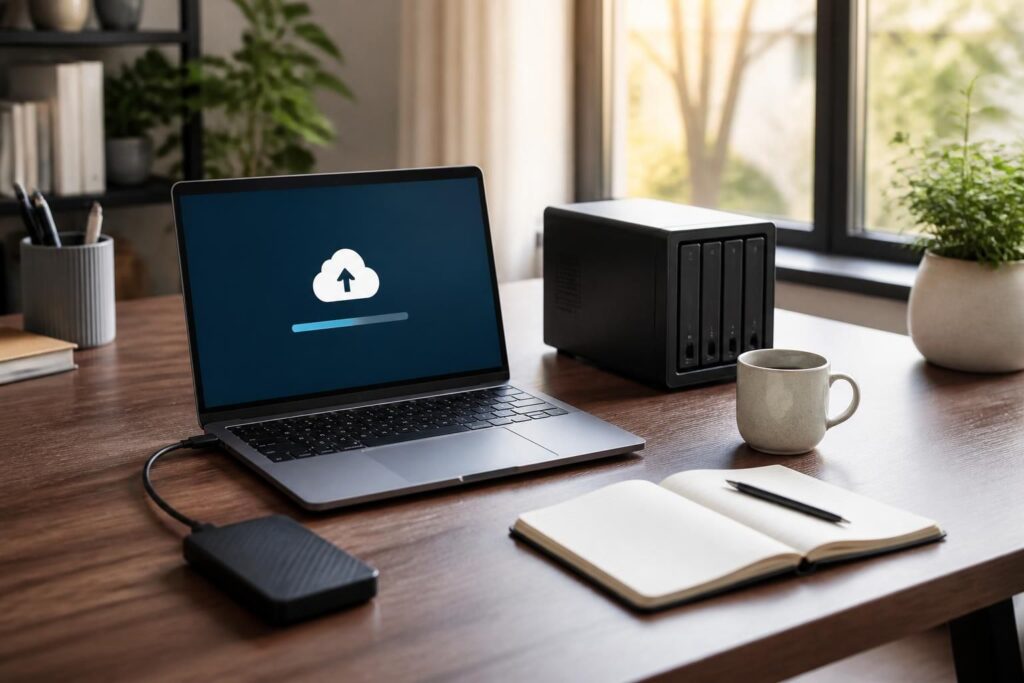
Why Data Backup Still Matters More Than Ever
It might seem like a basic concern in the age of always-on connectivity, but data loss remains one of the most common and costly problems for both individuals and businesses. Hard drives fail, laptops get stolen, ransomware attacks are on the rise, and accidental deletions happen to even the most careful users. According to industry research, nearly 30% of people have never backed up their data at all.
The end of summer and the beginning of fall is actually a smart time to reassess your backup strategy. New devices tend to launch in September and October, and many people upgrade their hardware during this period — making it the perfect moment to ensure your files are protected before you make the switch.
“The question is not whether you will lose data, but when. The only thing that changes the outcome is whether you have a backup.” — Common wisdom among IT professionals
Understanding the 3-2-1 Backup Rule
Before diving into specific tools and services, it helps to understand the 3-2-1 backup rule, which is the gold standard recommended by cybersecurity experts worldwide. The rule is simple:
- Keep 3 copies of your data (one original and two backups).
- Store them on 2 different types of media (for example, an external drive and a cloud service).
- Keep 1 copy offsite (either in the cloud or at a separate physical location).
Following this rule dramatically reduces the risk of losing everything in a single incident, whether that’s a house fire, a hardware failure, or a cyberattack. It sounds like overkill until the day you actually need it.
The Best Cloud Backup Services in 2024
Cloud storage has matured significantly over the past few years. Today’s services offer more storage, better encryption, and smarter syncing than ever before. Here are the top options worth considering this year.
Google One
Google One remains one of the most accessible options for everyday users. Starting at $2.99 per month for 100GB, it integrates seamlessly with Android devices and Google Workspace. Automatic photo and video backup through Google Photos is a major convenience for smartphone users.
Backblaze
For unlimited computer backup at a flat rate of around $99 per year, Backblaze is hard to beat. It runs quietly in the background, continuously backing up your entire hard drive. It’s especially popular among photographers and video editors who work with large files.
iCloud
If you’re in the Apple ecosystem, iCloud offers tight integration with macOS and iOS. The 200GB plan at $2.99 per month covers most households, and features like iCloud Drive, Photos sync, and device backup make it a convenient all-in-one solution.
Microsoft OneDrive
For Windows users, OneDrive is often the most practical choice. It’s built directly into Windows 11, and a Microsoft 365 subscription includes 1TB of cloud storage per user — making it excellent value if you already use Office applications.
Local Backup Solutions That Still Hold Up
Despite the rise of cloud services, local backup solutions remain essential — especially for users with large amounts of data or those concerned about privacy and internet speed limitations.
External Hard Drives
A reliable external hard drive is still one of the best investments you can make for data security. Brands like Western Digital and Seagate offer drives ranging from 1TB to 20TB at reasonable prices. For most home users, a 2TB drive provides ample space for a full system backup.
NAS Devices
A Network Attached Storage (NAS) device is essentially a personal server you keep at home. Brands like Synology and QNAP offer excellent NAS systems that allow multiple devices to back up simultaneously over your home network. They can also be configured to sync with cloud services, effectively giving you a hybrid backup solution.
USB Flash Drives and SD Cards
While not suitable for full system backups, flash drives and SD cards are useful for backing up specific important documents, photos, or project files. They’re compact, affordable, and easy to store in a secure location.
Software Tools to Automate Your Backups
Having the right hardware and cloud subscriptions is only half the battle. The other half is making sure backups actually happen on a regular schedule. Manual backups are easy to forget, which is why automated backup software is so valuable.
- Time Machine (macOS): Built into every Mac, it automatically backs up your system to an external drive on an hourly basis.
- Windows Backup: Windows 11 includes a built-in backup tool that works with both local drives and OneDrive.
- Acronis Cyber Protect: A premium option for users who want advanced features like ransomware protection and disk cloning.
- FreeFileSync: A free, open-source tool for syncing and backing up specific folders across drives.
Choosing the Right Strategy for Your Needs
There is no single perfect backup solution — the right approach depends on how much data you have, how often it changes, and how quickly you’d need to recover it in an emergency. A freelance graphic designer working with large video files has very different needs from someone who just wants to protect family photos and documents.
As a general starting point: combine at least one cloud backup service with one local solution, automate the process so it runs without your intervention, and test your backups periodically by actually restoring a file. A backup you’ve never tested is a backup you can’t fully trust.
Taking a few hours this fall to set up a solid backup system is one of the most practical things you can do for your digital life. The cost of a good backup solution is almost always far less than the cost — financial and emotional — of losing your data permanently.